
 EXCEL EXPORTER FOR JIRA CLOUD
Jira to Excel. On demand or on a schedule.
Excel Exporter turns Jira tickets into clean, ready-to-share Excel files. Pick the fields you need once, save them as a template, and run it on a project or a Jira saved filter whenever you like, or let a schedule do it for you.
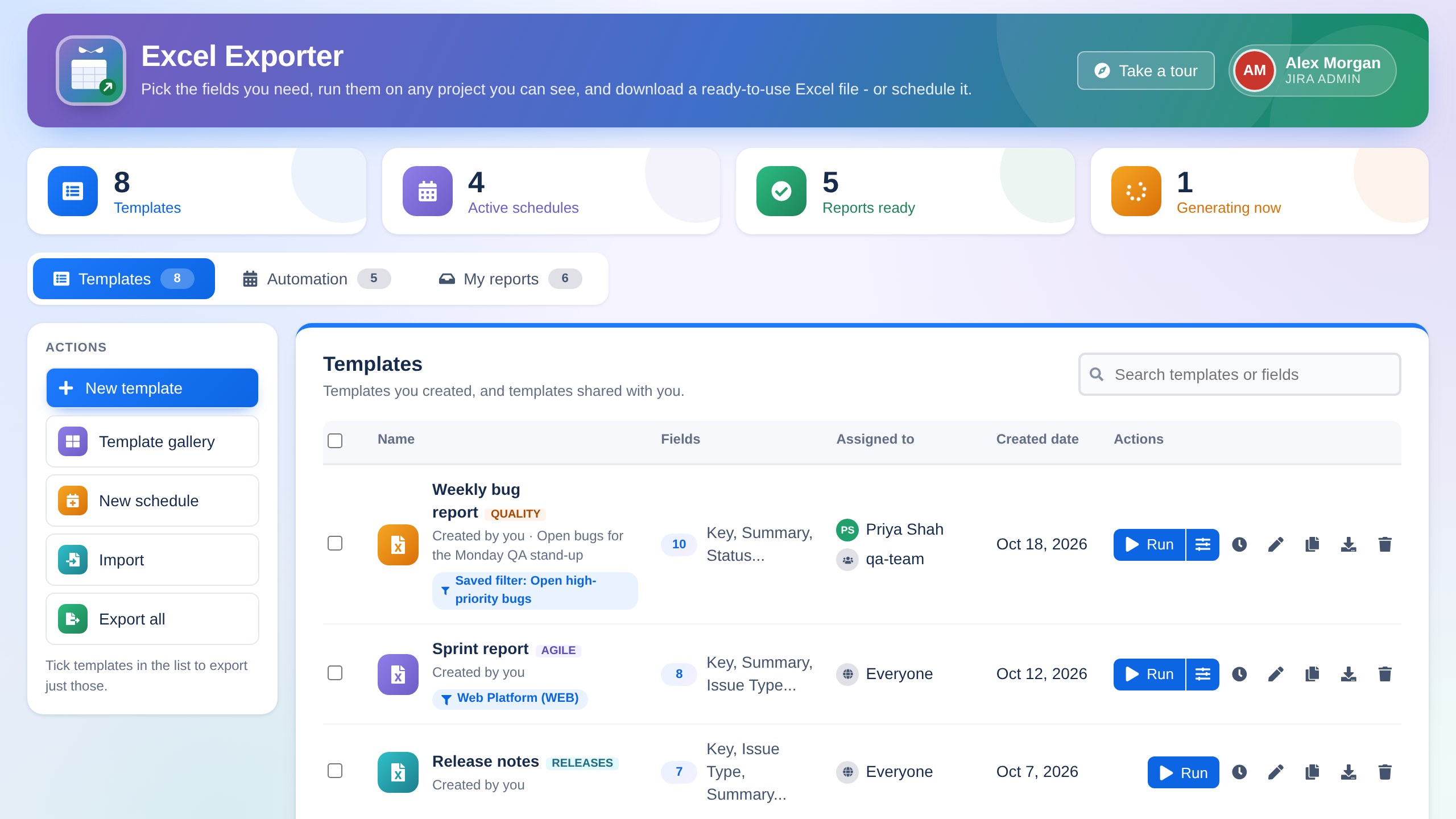
Any field, in the order you need.
Build a template from any system or custom field, such as Story Points, Sprint or Customer, and put the columns in exactly the order you want. The ticket key always comes first and links to the ticket.
- Share templates with people, groups or everyone
- Import and export templates as files between sites
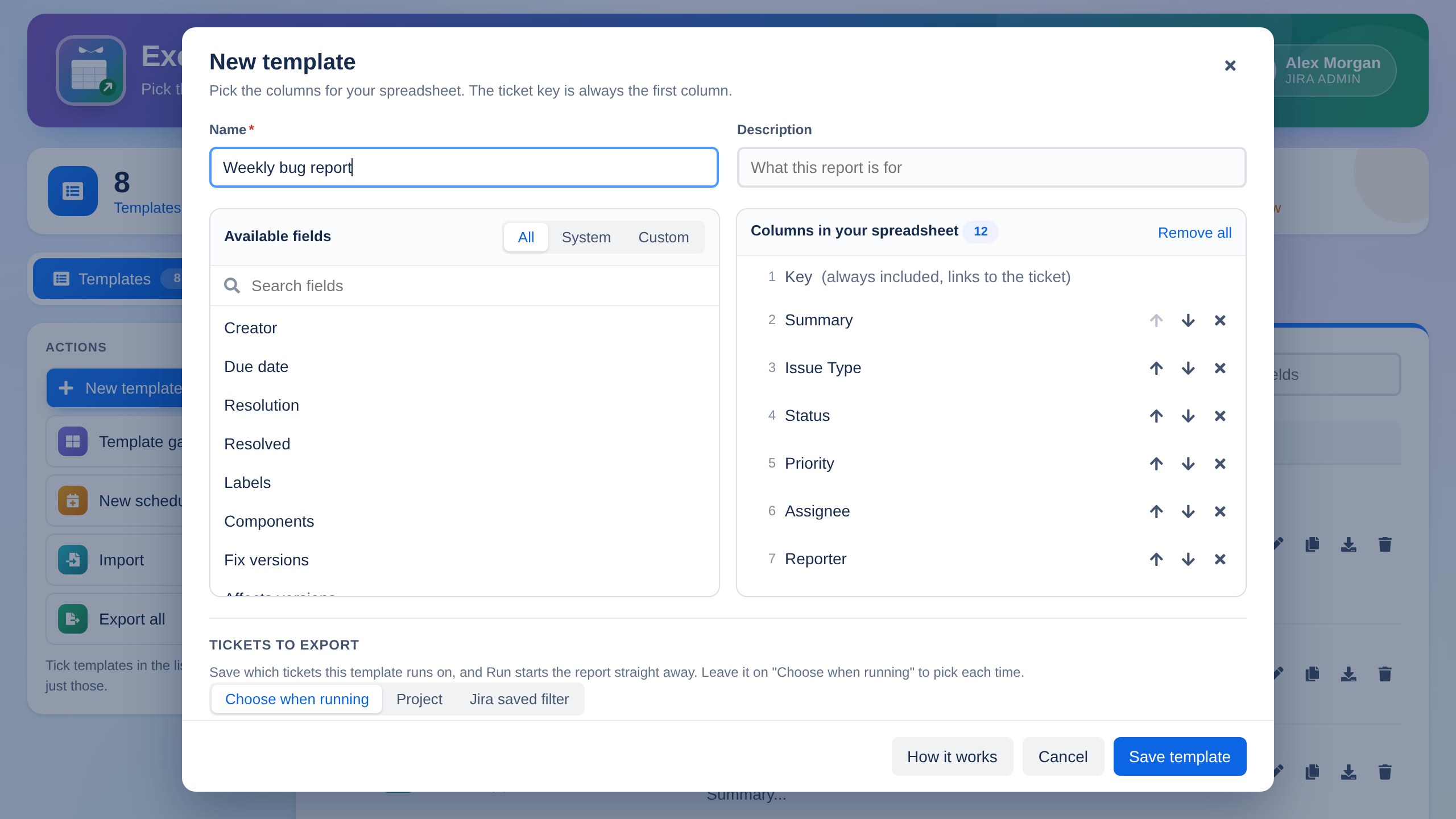
Save the tickets, then just click Run.
Choose a project or one of your Jira saved filters, and narrow it down by issue type, status, assignee, created and updated dates, or JQL. Save it on the template, and Run starts the report straight away.
- Saved filters you own or that are shared with you
- Run with different tickets any time, in one click
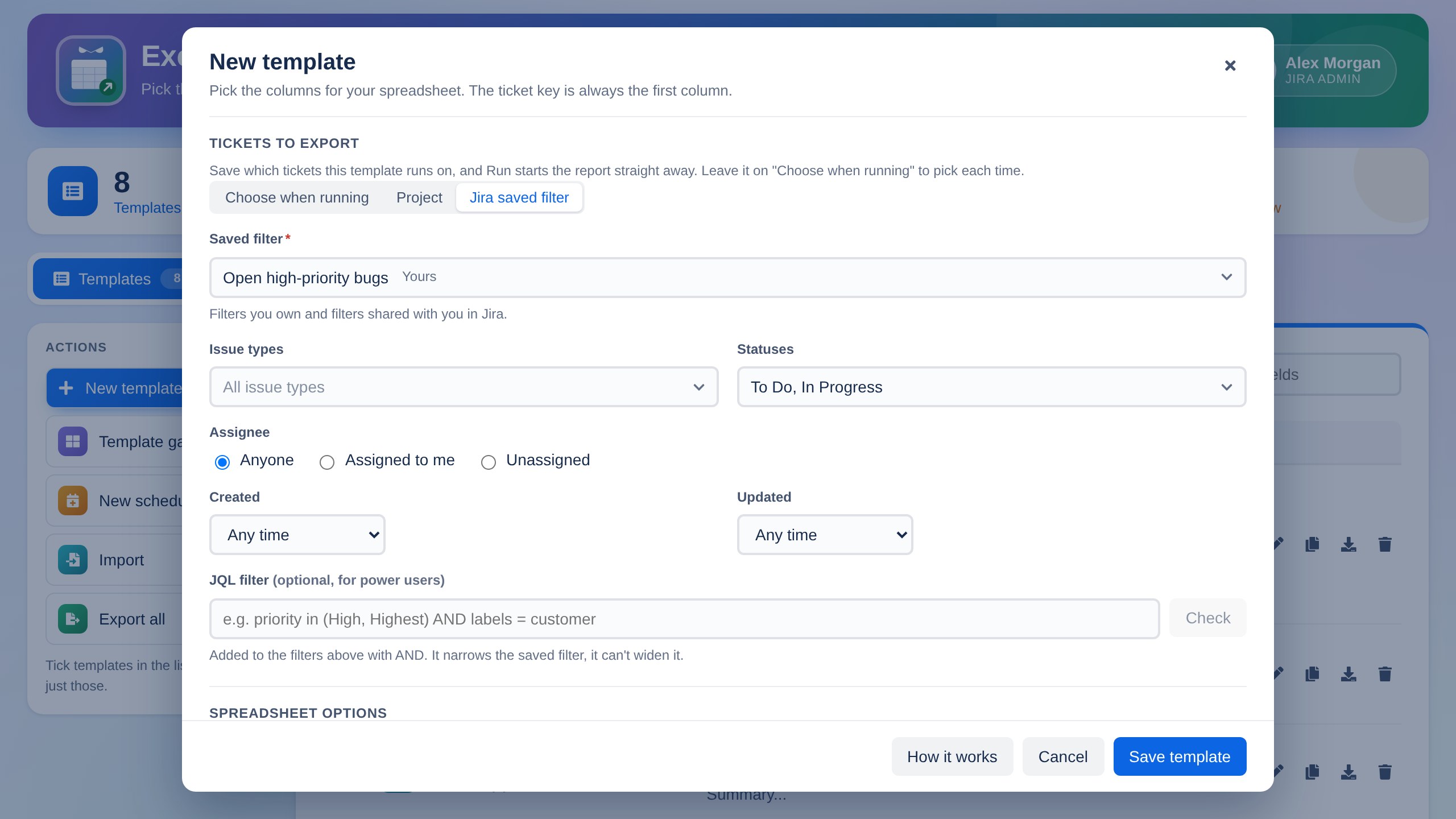
Filter it. Download a clean Excel file.
Every file has a styled header that stays in place while you scroll, filters on every column and clickable ticket keys, plus a summary sheet and an optional sheet for each issue type.
- Reports are built in the background, up to 20,000 tickets
- Only tickets each person is allowed to see in Jira
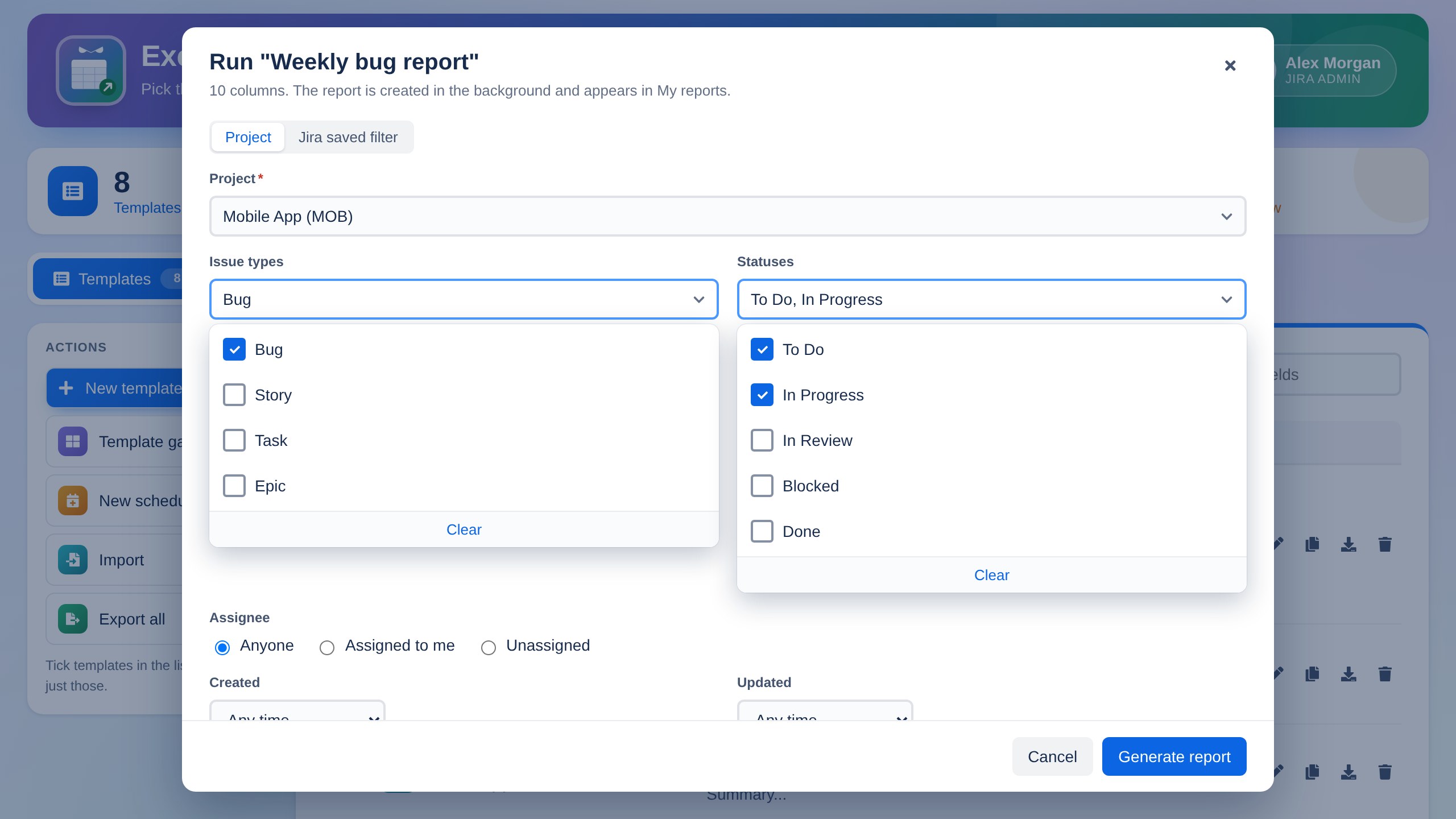
Every report, ready to download.
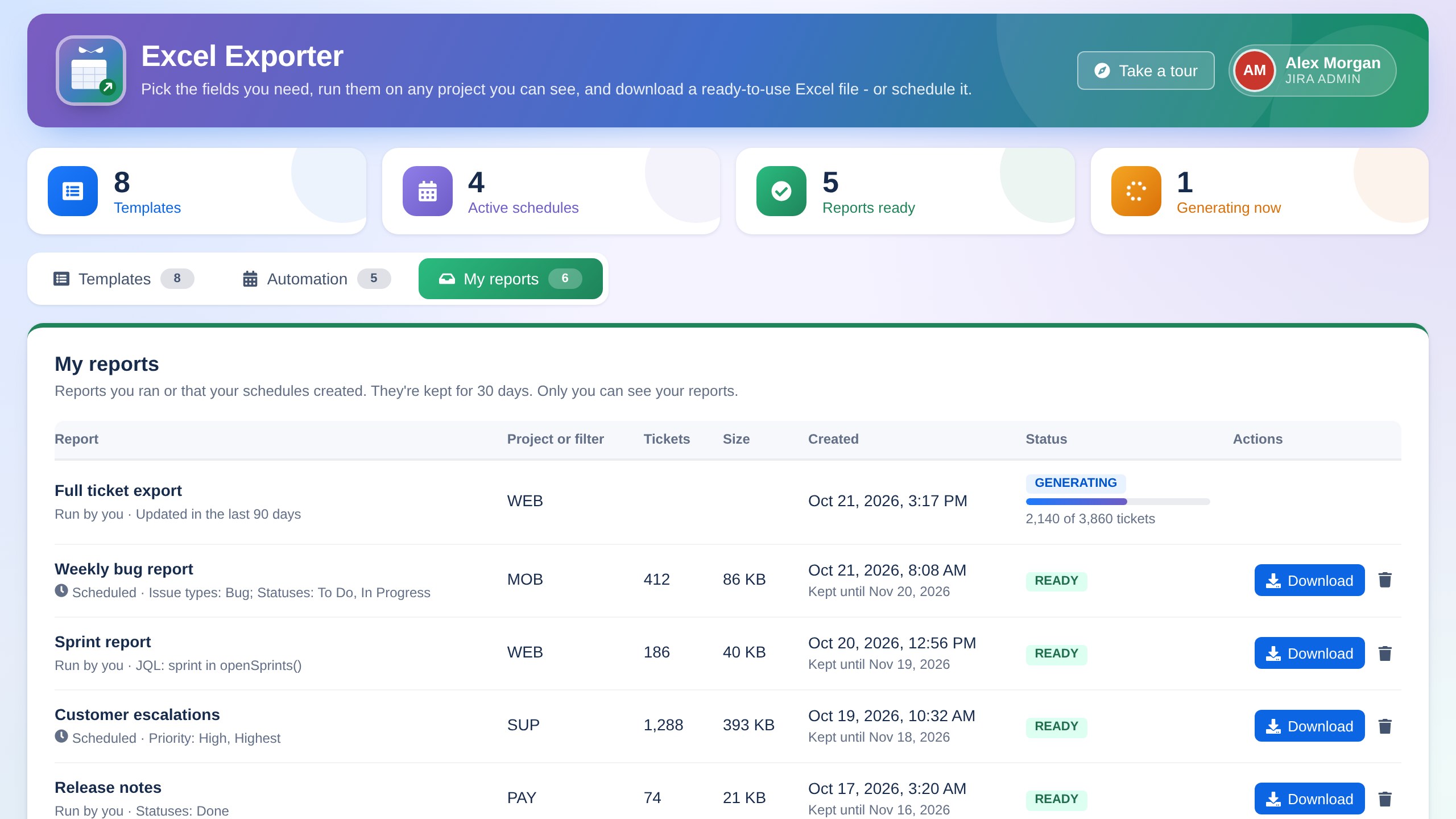
Reports you run, and reports your schedules create, wait in My reports with their size, ticket count and filters. They're kept for 30 days, and only you can see your reports.
Schedule it once. It's ready every week.
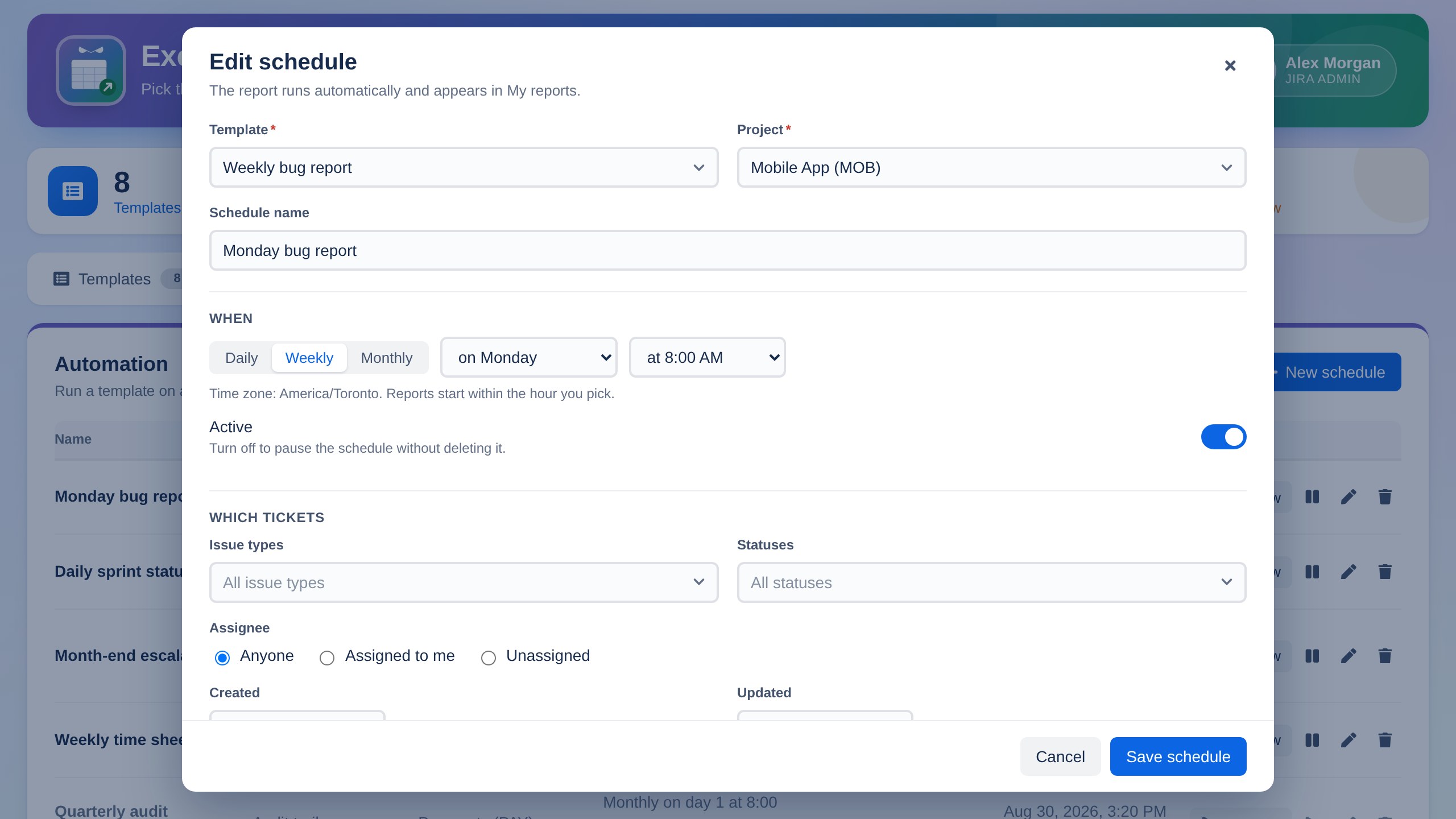
Run any template daily, weekly or monthly at a time in your own time zone. Pause a schedule without deleting it, or run it now with one click.
Start with 20 ready-made templates.
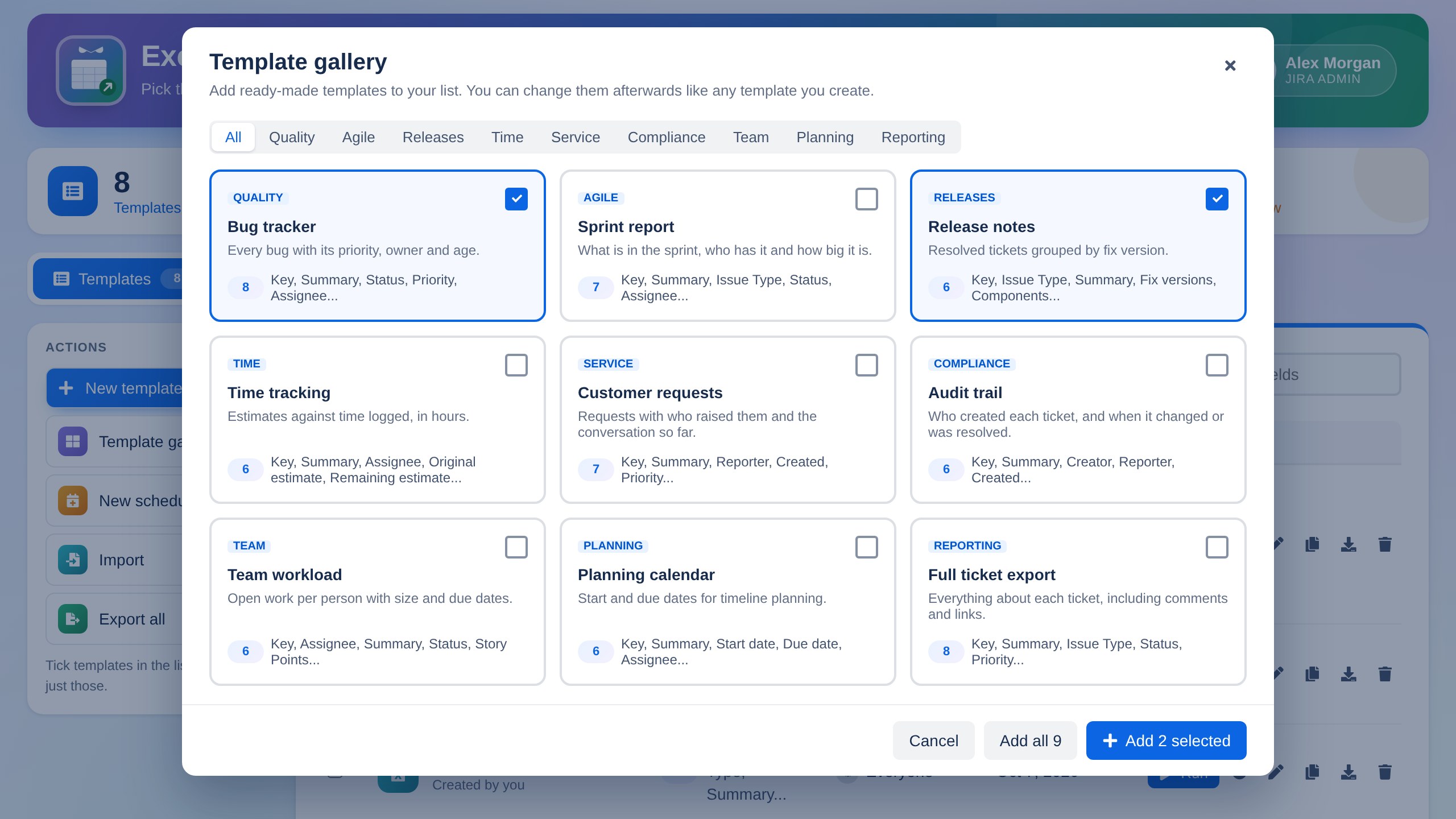
Bug trackers, sprint reports, release notes, team workload, audit trails and more. Add the ones you want to your list and change them as you like.
Admins stay in control.
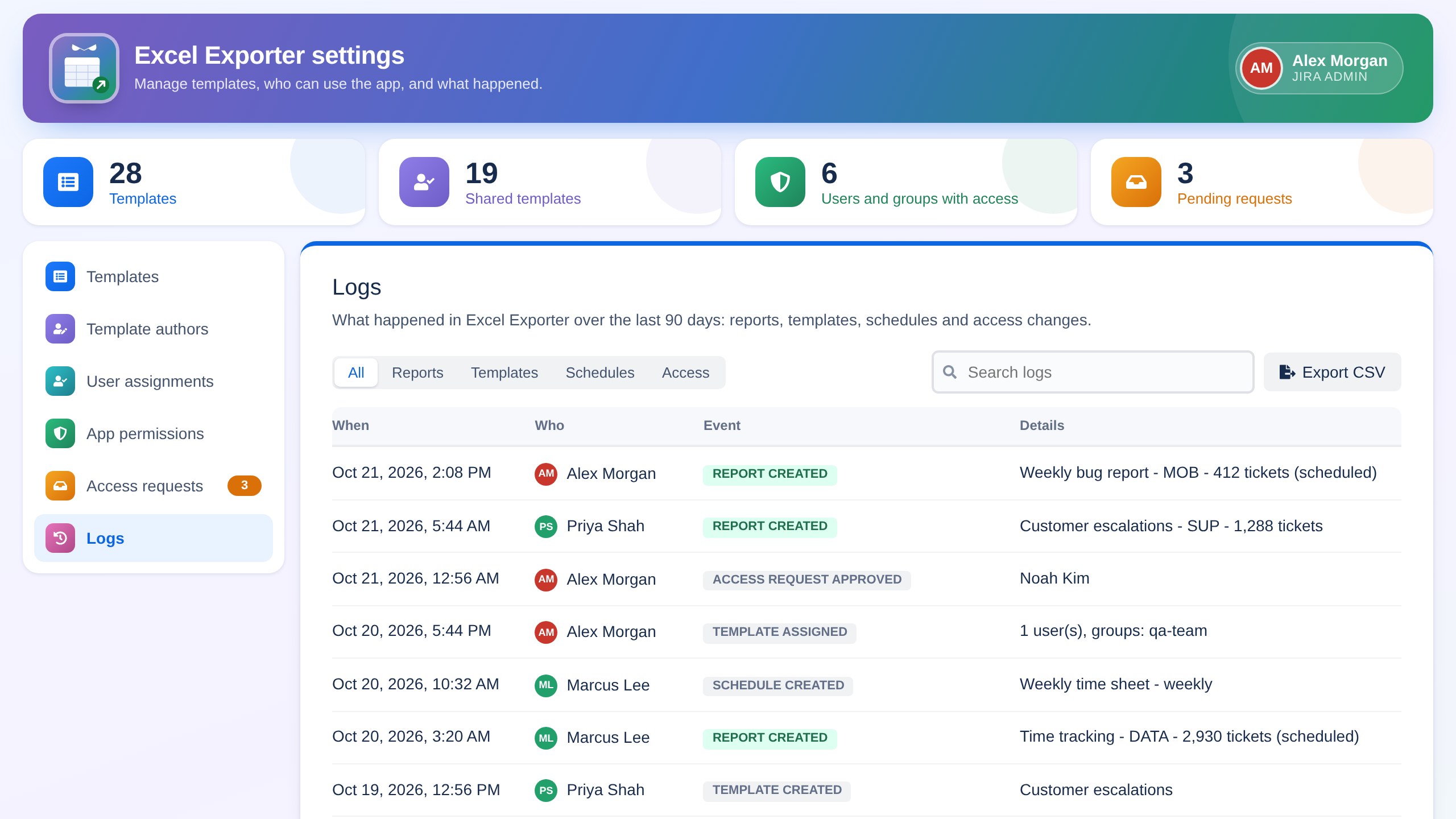
Choose who can use Excel Exporter and who can create templates, assign templates to users and groups, and approve access requests. Jira admins always have access.
- Logs page with 90 days of history and CSV export
- Manage every template on the site in one place
Releases, terms and help.
Questions about Excel Exporter?
Email support@appix.ca. If you're reporting a problem with a report, include the template name and when it ran.